01 / Make it yours
One place to settle in.
Display, sound, appearance, network, and accessibility settings are organized in a familiar sidebar.
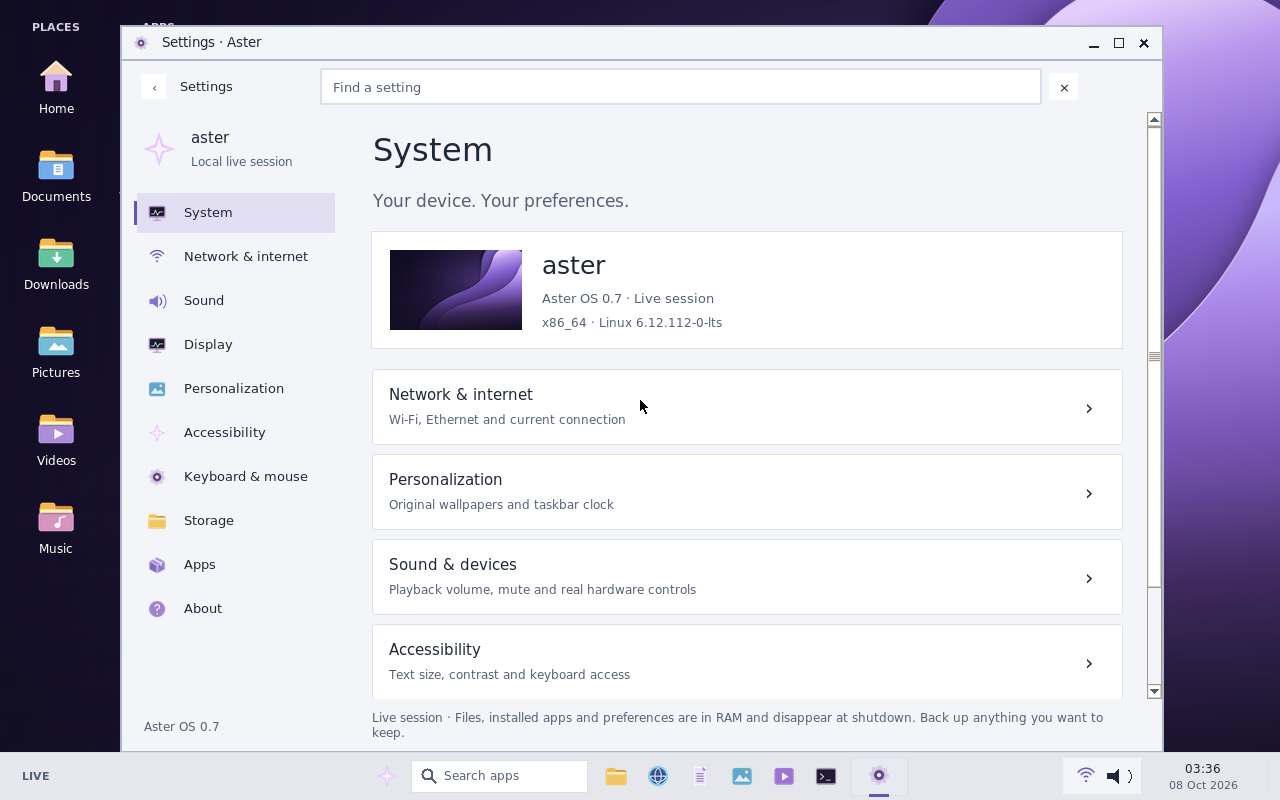
Actual Aster 0.7 Settings preview. Earlier branding is visible.
A fresh perspective
Familiar controls. Thoughtful built-in apps. Room to make it your own. Meet Lunex, an independent, experimental desktop operating system.
For curious minds and spare machines.
Start in a virtual machine. Keep your important data backed up.
Feel at home
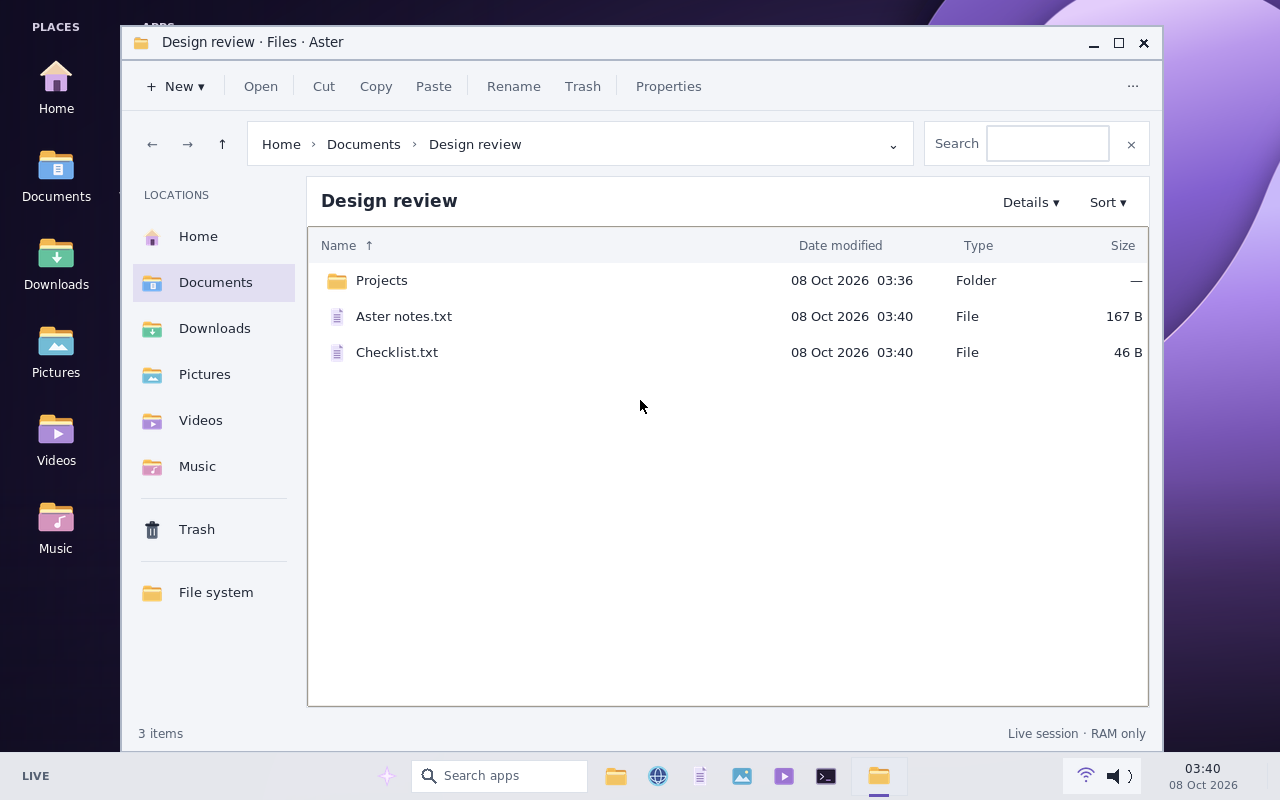
A consistent workspace for your files, apps, and settings, with light, dark, and high-contrast choices.
Display, sound, appearance, network, and accessibility settings are organized in a familiar sidebar.
Actual Aster 0.7 Settings preview. Earlier branding is visible.
Inspect and import compatible portable DEB, RPM, and Type-2 AppImage files. Lunex 0.8 adds a 600 MiB input limit and the lunex-pkg command.
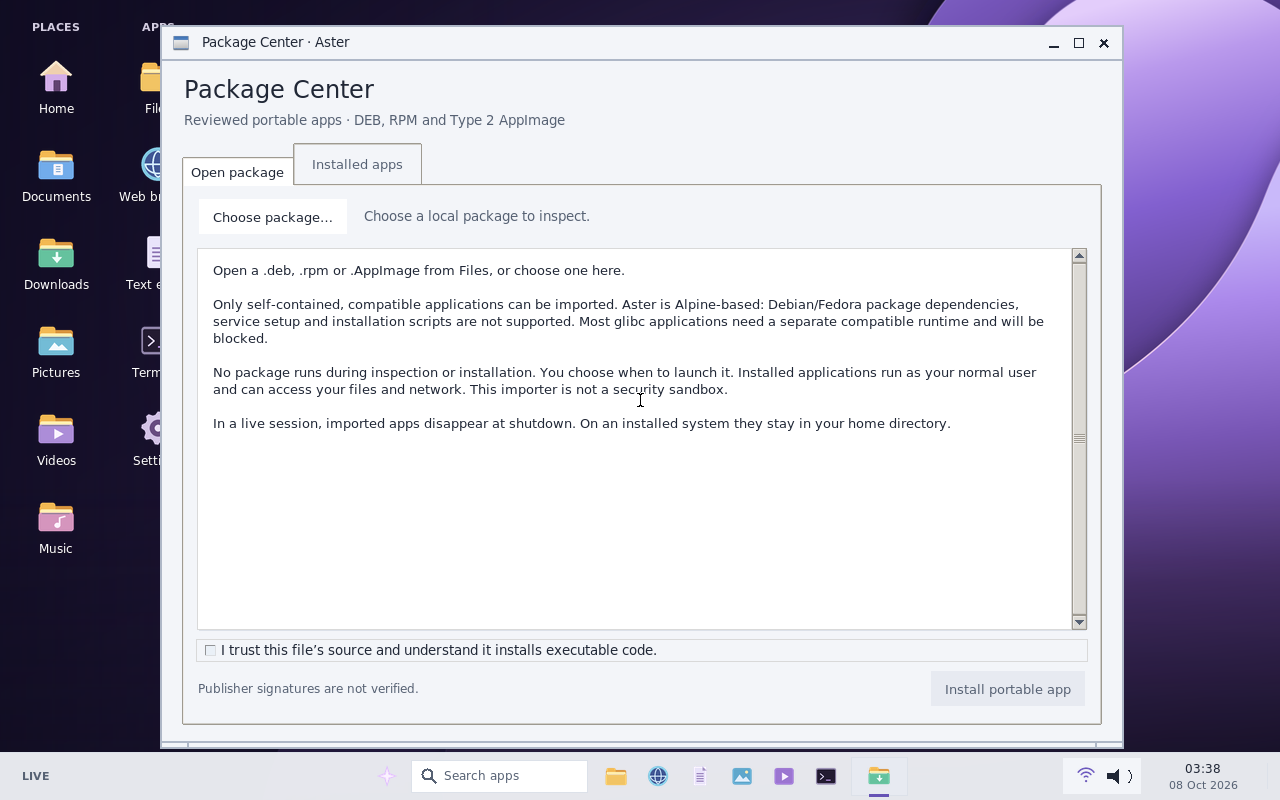
Actual Aster 0.7 Package Center preview. Version 0.8 changes are described above.
Choose whether to remember a Wi-Fi connection and reconnect after an installed reboot. Saving a network is always optional.
A password-backed native screen lock, Super+L, and optional idle locking. Screen locking does not encrypt your disk.
Text scaling, contrast choices, and keyboard controls help adapt the interface. Full assistive-technology compatibility is not verified.
Your next desktop starts here

Live image & whole-disk installer
The 0.8 ISO is not yet available. Final installation acceptance and upstream source/distribution review are still in progress.
The new ISO is not available from this page yet.
The source archive covers Lunex integration code and build locks. It is not the complete source for every bundled upstream component. Source information
Lunex is a Linux-based system with its own interface. It is not Windows, macOS, or a native WinUI application. App and hardware compatibility vary.
A little preparation goes a long way
Compare the ISO’s SHA-256 with the published checksum before using it.
How to check the fileBoot the live image and try the desktop. Live files and settings disappear at shutdown.
Only install after backing up. Review the exact target disk and the erase confirmation.
A fresh install erases the selected disk. Use only the separate exact-version offline repair when it is available and confirms your installation is supported. It cannot recover a Wi-Fi password already forgotten by 0.7.
Deliberate by design
Lunex 0.8 includes a manual, signed desktop-update framework. You review an available release, download its verified files, and apply it from the installed system’s rescue console.
Understand the update processThis build has no enrolled production verification key. Online update checks remain disabled until the owner activates and verifies the service.
A few things to know
No. The importer supports only compatible, self-contained portable DEB, RPM, and Type-2 AppImage applications. It is not apt or a general Debian/Fedora compatibility layer. Unsupported architectures, installation scripts, system-level changes, and unresolved dependencies are rejected. Publisher signatures are not verified, and imported apps run as your user without a sandbox.
The release is intended for x86_64 systems and has virtual-machine test coverage only. Graphics, sound, storage, Wi-Fi, firmware, and other physical-device compatibility can vary. Secure Boot is not supported. Try a VM first, then a live session on a spare device before considering an install.
It is an experimental release. The installed system is single-user, signs in automatically, and uses an unencrypted disk. The screen lock does not protect against reboot, physical rescue access, or malicious same-user X11 apps. Keep independent backups and avoid shared/public machines and sensitive data.
Live-session files, installed apps, and settings are held in RAM and disappear at shutdown. On an installed system, home files and supported settings persist. Wi-Fi remembering is optional; its credentials are saved with root-only permissions on the unencrypted disk.
No. The channel covers only a fixed set of existing desktop and integration files. It does not update the kernel, drivers, Firefox runtime, bootloader, or all applications. The production channel is not activated, and opening Settings does not contact a server.